
Expense Tracking
Built for How You Actually Get Paid
Cost CheqMate aligns your budgets with your pay periods — not arbitrary calendar months. Scan receipts in seconds, automate bank allocations, and keep every dollar accounted for, whether you're a freelancer or managing a team of 50.
10 sec
Avg. Receipt Scan
100%
Free Core Features
256-bit
Bank-Grade Encryption

Receipt Scanned
$42.87 · Groceries
Features
Everything You Need to Master Your Finances
From receipt scanning to pay-period budgets, Cost CheqMate gives individuals and businesses the visibility they need to stay on track.

Smart Receipt Scanning
Point your camera at any receipt. Our smart vision engine extracts merchant, amount, date, and category in seconds — no manual entry.
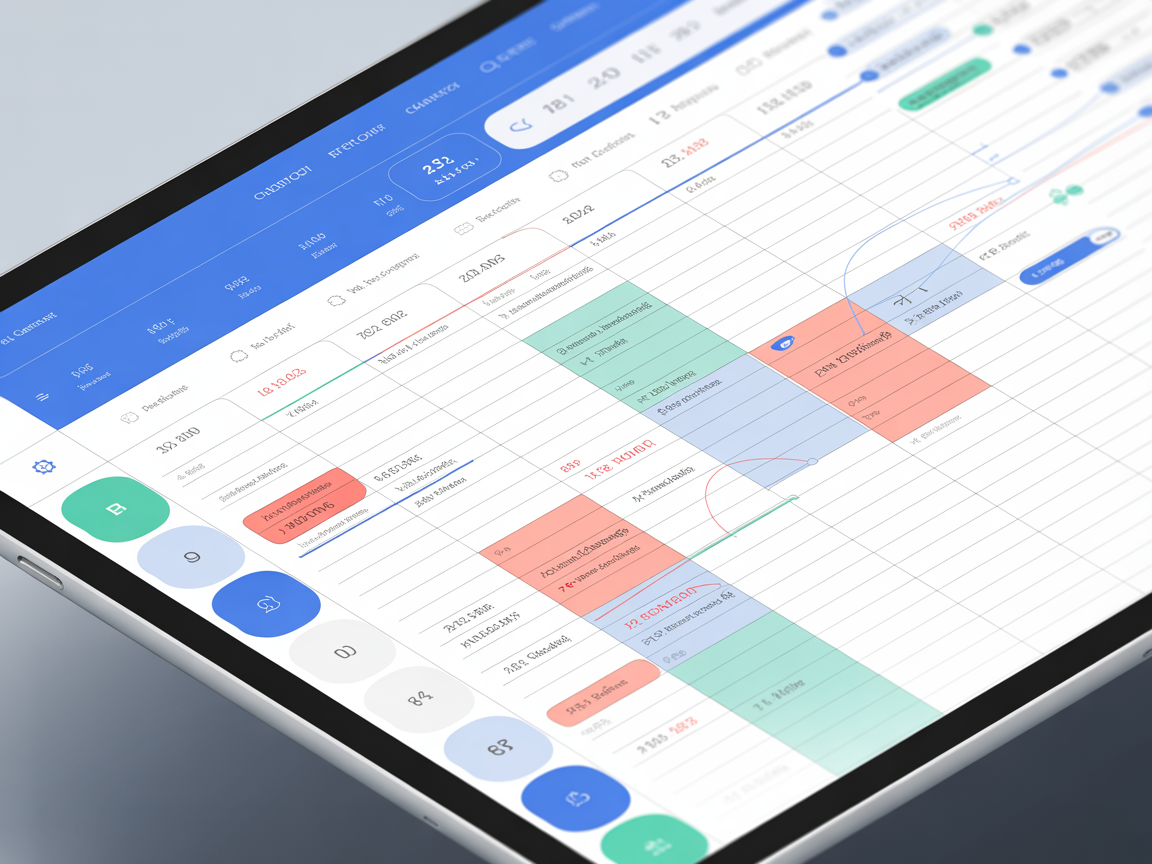
Pay Period Budgets
Budget around your actual pay schedule — weekly, bi-weekly, semi-monthly, or monthly. See exactly what you can spend each cycle.
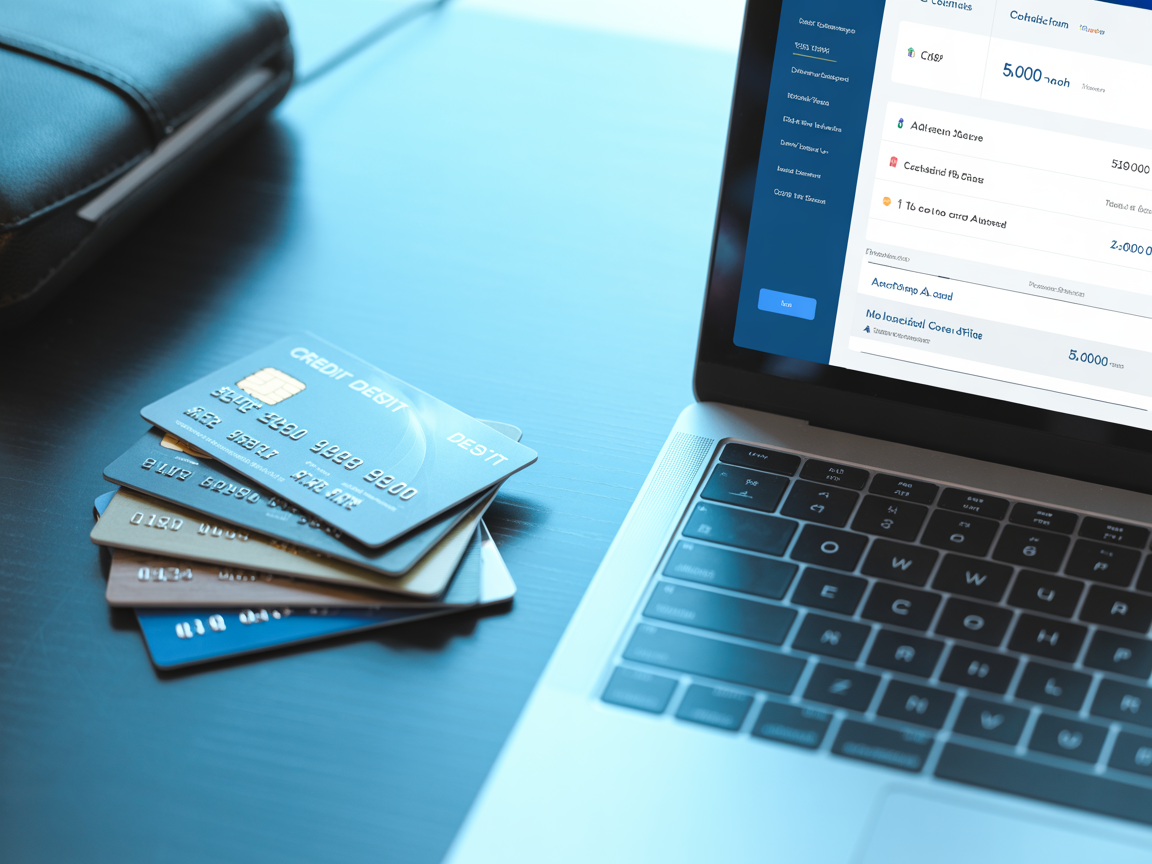
Bank Account Allocations
Link categories to bank accounts and know exactly how much to transfer each payday — savings, debt paydown, or business expenses.
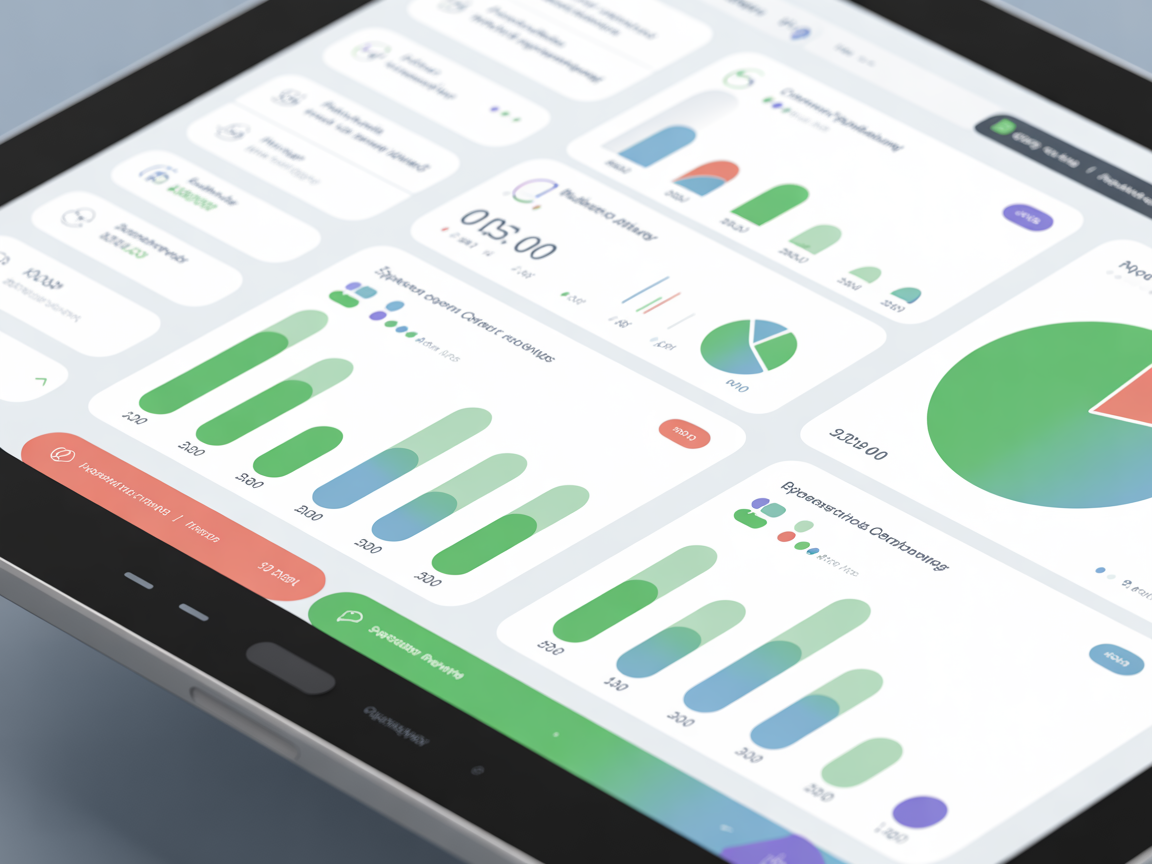
Real-Time Analytics
Interactive charts show spending by category, trends over time, and budget utilization — all updating as you scan receipts.

Cloud Receipt Backup
Automatically sync scanned receipts as organized PDFs to Google Drive or OneDrive — perfect for tax season and audits.

Additional Income Tracking
Log e-transfers, cash payments, side hustles, and reimbursements alongside your regular pay for the complete financial picture.

Receipt Intelligence
Snap. Scan. Done.
Our smart vision engine reads any receipt in seconds — printed, handwritten, or faded. It auto-fills the merchant, total, date, and even suggests the right budget category based on your spending history.
- Works with photos, PDFs, and camera capture
- Smart category prediction learns your habits
- Receipts auto-saved to cloud storage as organized PDFs
- Edit any field before saving — you stay in control
Get Started
Up and Running in 3 Minutes
No credit card required. Set up your pay schedule, create budget categories, and start scanning receipts immediately.
Configure Your Pay
Enter your net pay, frequency, and first pay date. Cost CheqMate automatically builds your pay period calendar.
Set Budget Categories
Create categories like Groceries, Rent, Gas — each with an annual budget. Link them to bank accounts for automatic allocation.
Scan & Track
Photograph receipts, and our smart engine handles the rest. Watch your budgets update in real-time as you spend.
Expense Management That Scales With Your Business
Whether you're a sole proprietor tracking deductibles or a growing team managing project expenses, Cost CheqMate gives you audit-ready records without the complexity of enterprise software.
Tax-Ready Receipt Archive
Every scanned receipt is stored as a dated, categorized PDF — ready for your accountant or CRA audit.
Multi-Account Tracking
Separate personal, business, and project expenses with dedicated bank account allocations.
Automated Cloud Backup
Receipts auto-sync to Google Drive or OneDrive organized by year and category — no more shoebox filing.
Spending Insights & Reports
Visual analytics by category, pay period, and trend — export data anytime for bookkeeping.




Why Cost CheqMate
Designed for Real-World Finances
Lightning-Fast Smart OCR
Receipt scanning takes seconds, not minutes. Our smart scanner handles blurry, faded, and handwritten receipts.
Pay-Period First
Most apps force monthly budgets. Cost CheqMate works around your actual pay schedule — weekly, bi-weekly, or custom.
Secure & Private
256-bit encryption, Google SSO authentication, and your data is never shared with third parties.
Personal & Business
Manage personal budgets and business expenses in one place with separate bank account allocations.
Frequently Asked Questions
Everything you need to know about Cost CheqMate — from receipt scanning and budgets to Cheqs rewards and data security.
Cost CheqMate is a free smart expense tracker and budget planner designed for individuals and small businesses. You can scan receipts with your phone camera, and our smart OCR engine automatically extracts the merchant name, date, and total amount — no manual typing required. Every expense is organized by category and pay period so you always know exactly where your money is going.
Simply take a photo of any receipt (paper or digital) and upload it through the Scan module. Cost CheqMate's smart OCR engine reads the receipt image, extracts the merchant, date, amount, and even suggests a spending category based on your history. The built-in document cropper lets you adjust the edges for a perfect scan before it gets processed. Scanned receipts are stored as searchable PDFs you can access any time.
Yes — the core features (expense tracking, receipt scanning, budget management, and pay-period reports) are completely free. The Premium plan ($1.99/month) unlocks smart category predictions, advanced analytics, predictive budgeting, and smart spending alerts. The Business plan ($9.99/month) adds Excel/CSV export, custom branding with your own logo, and everything in Premium. You can also earn free Premium time through Cheqs rewards.
Cheqs are Cost CheqMate's built-in reward points. You earn Cheqs by scanning receipts, logging expenses manually, maintaining a daily login streak, and referring friends. Once you collect enough Cheqs (2,000 per month) you can redeem them for a free month of Premium — so active users can enjoy Premium features without ever paying.
In Settings you set your pay frequency (weekly, bi-weekly, semi-monthly, or monthly) and your first pay date. Cost CheqMate then automatically builds a pay-period calendar that shows your income and expenses for each cycle. You create annual category budgets (e.g. $3,600/year for Groceries), and the app prorates them per pay period so you always see a realistic spending target rather than a lump annual number.
Cost CheqMate lets you add bank account labels (chequing, savings, credit cards) and allocate spending categories to each one. This way, when you review your budget or reports, you can see how much of each account's balance is spoken for — great for envelope-style budgeting without needing direct bank feeds.
Yes. You can connect your Google Drive or OneDrive account in Settings → Cloud Storage. Once connected, every receipt you scan is automatically backed up to a folder organized by year and category. This gives you an off-site archive for tax time or audits.
Business plan users can export their expenses and reports as CSV or JSON files. These exports are compatible with Excel, Google Sheets, QuickBooks, and most accounting software, making it simple to hand your data to a bookkeeper or import it into other tools.
You set your preferred currency in Settings → Profile (USD, CAD, EUR, GBP, and many more). All amounts throughout the app — budgets, expenses, reports — are displayed in that currency. If you travel or deal with multiple currencies, simply update the setting when needed.
Absolutely. Cost CheqMate uses industry-standard encryption at rest and in transit. Authentication is handled through Google SSO or secure email/password login with bcrypt hashing. Receipt images are stored in encrypted cloud storage (AWS S3) accessible only to your account. We never sell or share your data.
After uploading a receipt photo, the cropper appears with auto-detected edges. You can drag the corner L-brackets or the edge midpoint handles to fine-tune the crop area. A magnifier loupe appears while dragging for pixel-precise adjustments. Once aligned, tap 'Crop & Flatten' and the perspective-corrected image is converted to a clean PDF.
Yes. The Business plan includes custom branding (upload your company logo to appear on exports and receipts), CSV/JSON data export for bookkeeping, cloud receipt backup organized by category, and bank account allocation tracking. It's built for freelancers, sole proprietors, and small teams who need professional expense management without the complexity of enterprise software.
Every user gets a unique referral code in the Support section. When someone signs up using your code, you both earn bonus Cheqs. Hit 3 referrals and you unlock a free month of Premium; 5 referrals earns you 3 free months. It's the fastest way to go Premium without spending a cent.
Yes — the Extra Income module lets you log one-off or recurring income outside your primary pay. You can tag sources (e-transfer, cash, freelance, etc.) and optionally assign them to a bank account. This income is factored into your pay-period overview so your dashboard always reflects your full financial picture.
Tap the sun/moon icon in the top navigation bar (or on the login/signup page). Your preference is saved to your account, so it stays consistent every time you log in — even on different devices.
Ready to Take Control of Your Expenses?
Join professionals and businesses who have transformed their financial habits with Cost CheqMate. Free to start — no credit card required.
Integrates with
An Imperial Solutions product
Building intelligent financial tools for individuals and businesses